Slither
Slither is a static analysis framework for Solidity. It runs a suite of vulnerability detectors and provides information about contract details.
Prerequisites
To use Slither analysis with Remix IDE efficiently, the following tools should be installed locally on your system:
Slither: Installing Slither
Solc: Installing Solidity
Solc-select: Solc Quickstart
How to use
Slither analysis is available in Remix Desktop through the Solidity Static Analysis plugin and on Remix Web through RemixAI.
Remix Web
On Remix Web, Slither analysis is available through RemixAI. Open the RemixAI Assistant, describe your contract, and ask it to run a Slither analysis.
Here’s an example prompt:
Run a Slither analysis on MyToken.sol and list any security vulnerabilities or warnings.
The Slither checkbox in the Solidity Static Analysis plugin will be greyed out on Remix Web.
Remix Desktop
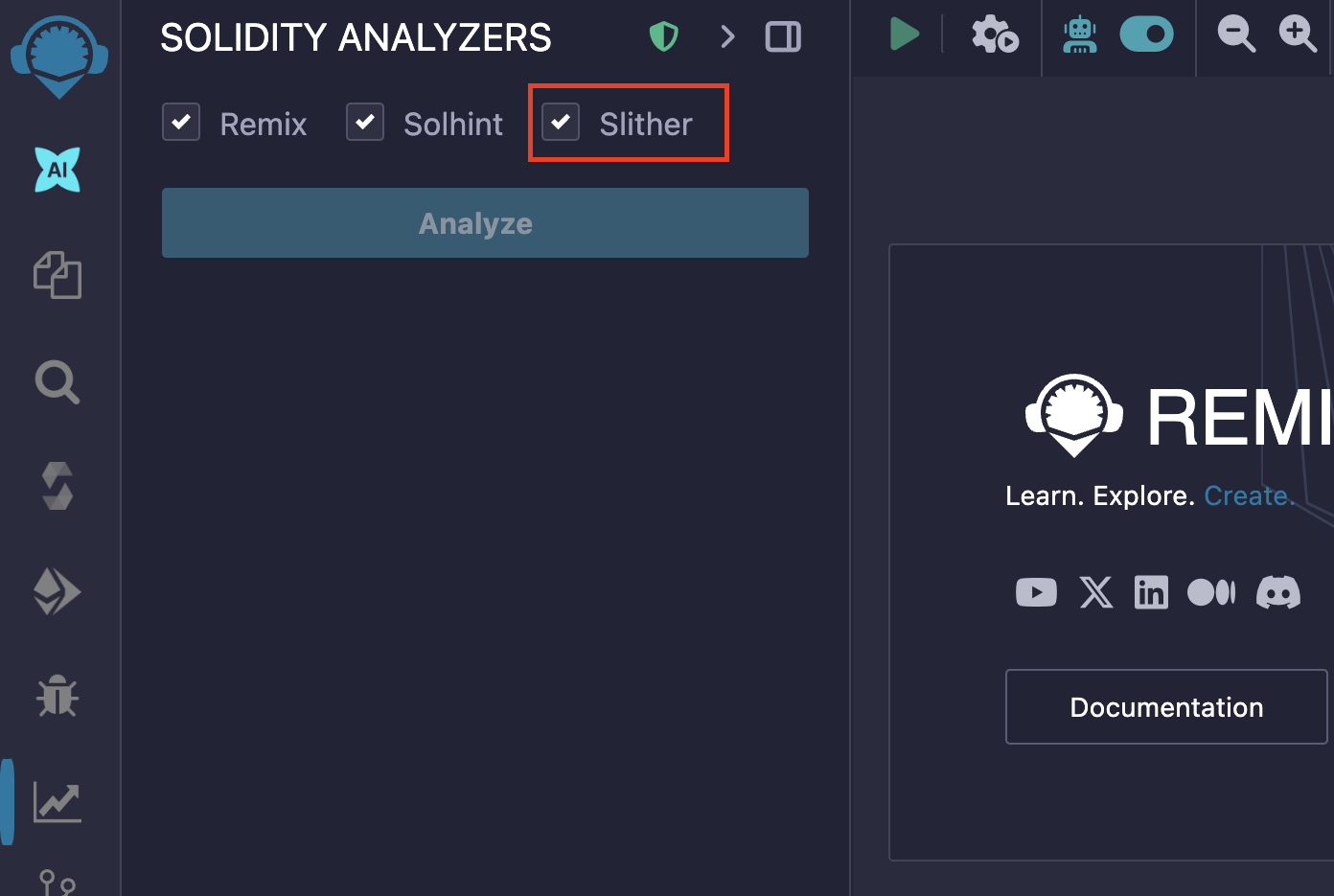
If you load a local project in Remix Desktop, there will be an extra checkbox shown in Solidity Static Analysis plugin with the label Slither (On Remix Web, this option will be greyed out).
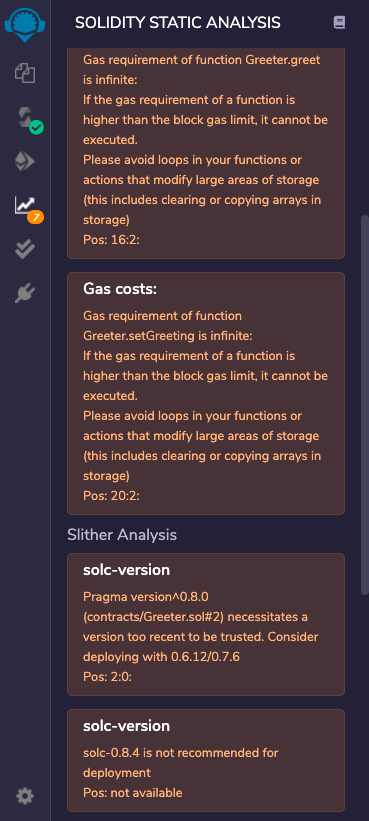
The Slither Analysis report will be displayed on the Slither tab of the Solidity Static Analysis plugin, next to the Remix analysis report for better readability.
The result of the analysis will be shown in the Remix IDE terminal.

To only run Slither Analysis, deselect the Remix and Solhint checkboxes and click on «Analyze». Now it will show only the Slither Analysis report.
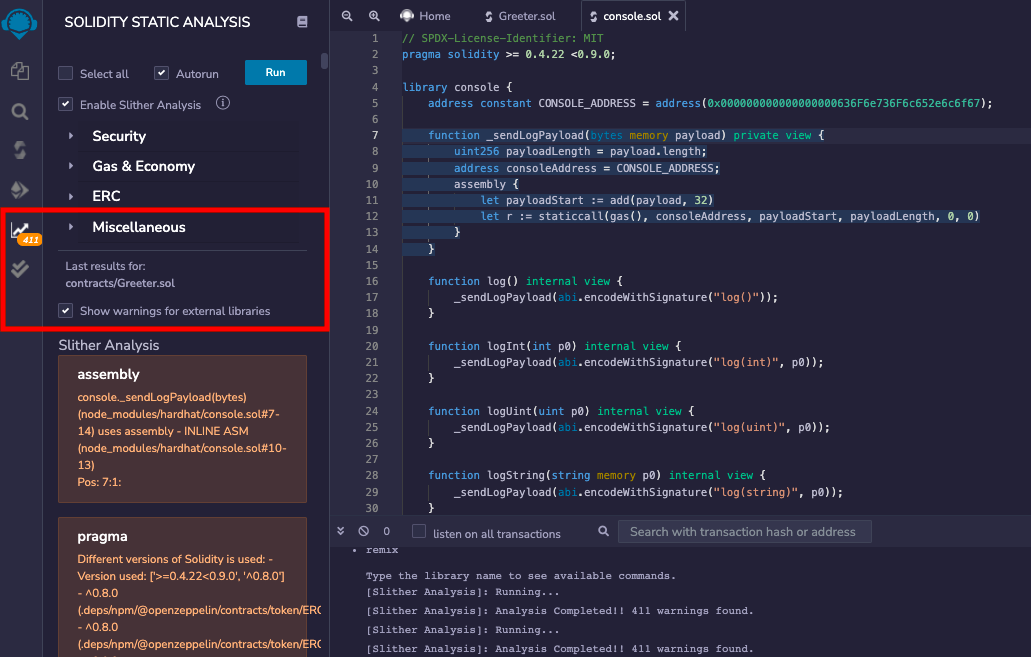
By default, it doesn’t show the warnings for external libraries like remix-tests.sol, hardhat/console.sol etc. To have a look at them, check the box with label Show warnings for external libraries.
More Details
Analysis for Slither is run using the version set in the Solidity Compiler plugin. Slither is a CLI tool and requires solc to run. Before running the analysis, the Slither Websocket plugin checks if the current local solc version matches the version set in Remix IDE.
If the versions differ, the Slither Websocket plugin will use solc-select to switch the local solc version to match.
For example, if the local solc version is 0.8.4 and Remix IDE is set to 0.8.6, the logs will show the version switch.
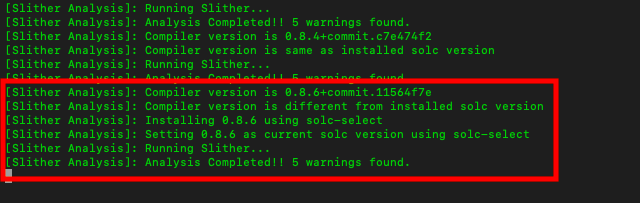
After a successful analysis run: